Newton Backend (GPU-native)
The Newton backend runs the simulation on
newton-physics/newton, NVIDIA's
GPU-accelerated physics engine built on Warp
and MuJoCo-Warp. It implements the same SimEngine contract as the MuJoCo
backend, so the Robot() / Simulation / policy APIs are identical - only the
physics and rendering run on the GPU.
When to use it
- You have an NVIDIA GPU (Maxwell+, driver 545+, CUDA 12) and want GPU-resident physics and rendering.
- You want to choose among Newton's solvers (MuJoCo-Warp, Featherstone, XPBD, semi-implicit, ...).
- You want headless rendering without a display server - Newton renders with a ray-traced tiled camera sensor, so no GLX/EGL window is required.
On CPU-only hosts Warp falls back to its CPU device; the MuJoCo backend remains the recommended default for non-GPU machines.
Install
This pulls in newton, warp-lang, mujoco-warp, and trimesh on top of the
MuJoCo extra. The backend is lazy-loaded: MuJoCo-only users pay no import cost.
Usage
from strands_robots.simulation import create_simulation

# "nt" is an alias for "newton".
sim = create_simulation("newton", solver="mujoco")
sim.create_world()
sim.add_robot("so100")          # reuses the same MJCF assets as MuJoCo

sim.send_action({"Rotation": 0.5}, robot_name="so100", n_substeps=100)
print(sim.get_observation("so100"))   # {"Rotation": ..., "Pitch": ..., ...}

# Headless rollout with a recorded video (RGB MP4).
sim.run_policy(
    robot_name="so100",
    policy_provider="mock",
    instruction="wave",
    n_steps=60,
    control_frequency=20.0,
    video={"path": "/tmp/rollout.mp4", "fps": 20, "width": 480, "height": 360},
)
sim.destroy()
Solvers
Pass solver= to create_simulation("newton", solver=...). The solvers that
integrate a rigid articulated robot are:
| Name | Newton class | Notes |
|---|---|---|
mujoco (default) |
SolverMuJoCo |
MuJoCo-Warp; requires mujoco-warp |
featherstone |
SolverFeatherstone |
Reduced-coordinate articulated-body |
kamino |
SolverKamino |
Rigid-body contact solver |
Newton resolves five more names -- vbd, style3d, mpm, xpbd and
semi_implicit -- that belong to other physics families and have nothing to
integrate in a rigid robot scene. Naming one is refused when the engine is
constructed, with the reason and the list above, because the alternatives are
worse than a refusal: vbd, style3d and mpm raise from inside Newton
naming a ModelBuilder the caller never touched, and xpbd and
semi_implicit build and step without moving a joint, so add_robot,
send_action and step all report success over a frozen world.
describe()["available_solvers"] reports the accepted names only.
SolverMuJoCo requires at least one joint in the model; an empty world (ground
plane only) defers solver creation until a robot is added, and stepping is a
no-op until then.
Capabilities and parity
add_robotingests the same MJCF assets as the MuJoCo backend (resolved viastrands_robots.assets) and, because Newton parses URDF natively, also loads URDF models directly (see "URDF robots via robot_descriptions" below). Joint names use the short trailing segment (Rotation,Pitch, ...), matching the MuJoCo backend exactly so policies and observation mappings transfer unchanged.render()returns the same agent-tool image block ({"image": {"format": "png", ...}}) as MuJoCo, so the sharedPolicyRunnervideo pipeline works without modification.add_camera(name, position, target, fov=60, width, height, parent_body=None)registers named cameras, matching the MuJoCo signature.render(camera_name=...)returns the named view; multiple cameras coexist andget_observation()returns one RGB frame per camera keyed by name. Aparent_body(a body label fromlist_bodies) mounts the camera ON that body so a wrist camera tracks the arm.remove_camera(name)/list_cameras()round out the API anddescribe()["cameras"]lists every registered camera.run_policy/eval_policy/replay_episodeare inherited from theSimEngineABC - no backend-specific re-implementation.describe()reports the active solver, available solvers, device, and the current gravity vector and timestep.- Gravity configured via
create_world(gravity=[x, y, z])orset_gravitydrives the dynamics. Newton's solvers snapshot gravity at construction and its builder only expresses gravity as a scalar along the up-axis, so the full vector is written onto the finalised model before the solver is built; off-axis components are honoured rather than dropped.set_gravityaccepts either a scalar (the z-component) or a 3-element[x, y, z]list and rebuilds the model, which re-initialises the world to its rest pose.set_timesteptakes effect on the nextstep()without a rebuild.
URDF robots via robot_descriptions
Newton loads URDF natively, so add_robot can pull robots straight from the
robot_descriptions
package - including the large URDF-only long tail (humanoids, quadrupeds, hands,
dual-arm rigs) that has no MJCF model and is therefore unavailable to the MuJoCo
backend.
The source selector on add_robot controls resolution:
source |
Resolution |
|---|---|
None (default) |
Curated registry / MJCF asset manager first, then a robot_descriptions URDF fallback. |
"registry" |
Curated registry / MJCF asset manager only (no URDF fallback). |
"robot_descriptions" |
URDF directly via robot_descriptions.<name>_description.URDF_PATH. |
sim = create_simulation("newton", solver="mujoco")
sim.create_world()

# Load the Franka Panda from its robot_descriptions URDF (no curated entry needed).
sim.add_robot("panda", source="robot_descriptions")
print(sim.robot_joint_names("panda"))
# ['panda_joint1', ..., 'panda_joint7', 'panda_finger_joint1', 'panda_finger_joint2']

sim.step(10)   # real GPU model build + step
The asset format is detected from the resolved path: .urdf files load through
Newton's URDF importer, everything else through the MJCF importer. An explicit
urdf_path= argument always wins and bypasses source.
list_urdfs() returns the union of the registry listing and the
robot_descriptions URDF long tail; its json block exposes
robot_descriptions_urdf (the sorted list of URDF-discoverable names) for
programmatic use. The cheap name lookups behind this
(urdf_descriptions_module, is_urdf_discoverable, list_urdf_discoverable)
live in strands_robots.registry.discovery and read a static table with no
import and no network; resolving an actual URDF path clones the upstream asset
repository on first use.
Scene discovery and state queries
The backend exposes the same discovery and per-joint state surface as the MuJoCo backend, so agents can introspect a Newton world without guessing method names:
get_robot_state(robot_name=None)returns each joint'spositionandvelocity(read fromjoint_q/joint_qdrespectively) in ajsonblock, plus a human-readable summary.list_robots_info()andlist_objects()return pretty-printed listings of the robots and primitive objects in the world.list_bodies(robot_name=None)lists Newton body labels and, when scoped to a robot, resolves a best-guessgripper_bodymount (a body whose trailing path segment containsgripper,hand,jaw,ee, ortool).move_object(name, position=None, orientation=None)repositions an existing object and rebuilds the model, preserving live joint targets.get_features(robot_name=None)reports the model's joint / body / DOF counts, timestep, solver, and per-robot joint listings (matching the MuJoCofeaturesschema).list_urdfs()/register_urdf(data_config, urdf_path)read from and write to the shared model registry, so assets registered for one backend resolve for the other.
describe() also advertises these methods (and the available cameras / bodies)
so a single call surfaces the full contract.
sim.add_robot("so100")
sim.send_action({"Rotation": 0.6, "Elbow": -0.4}, robot_name="so100", n_substeps=10)

state = sim.get_robot_state("so100")["content"][1]["json"]["state"]
# {"Rotation": {"position": 0.03, "velocity": 3.72}, ...}

mount = sim.list_bodies("so100")["content"][1]["json"]["gripper_body"]
# "so_arm100/.../Fixed_Jaw"
Live viewer
Bring an interactive view up on the running model with open_viewer(),
mirroring the MuJoCo backend's viewer entry point. Newton ships several
first-class viewers; open_viewer wraps them and feeds one frame per control
step, so the view tracks the simulation live while step, send_action, or
run_policy drive it from the calling thread.
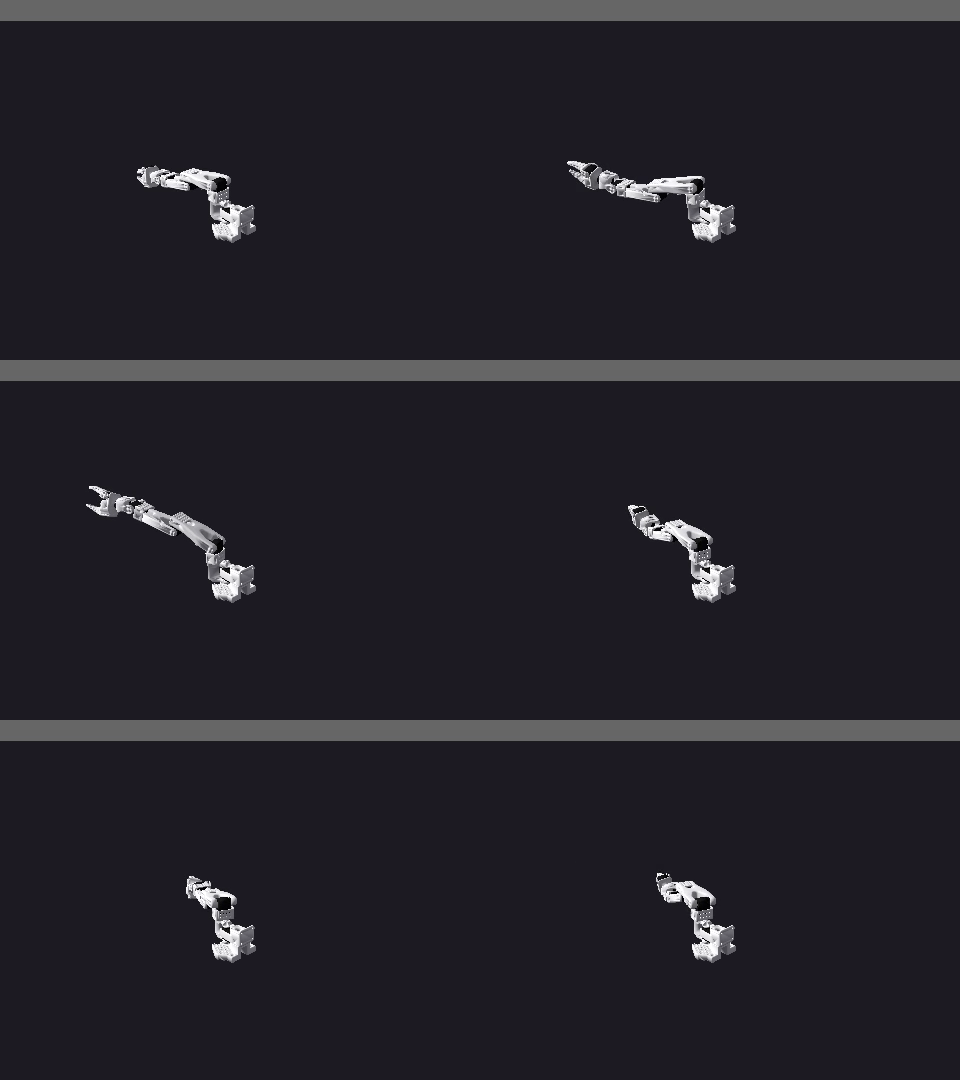
sim = create_simulation("newton", solver="mujoco")
sim.create_world()
sim.add_robot("so100")

sim.open_viewer()                 # "auto": GL window if a display is present
# ... or pick a viewer explicitly:
sim.open_viewer("viser", port=8080)   # browser dashboard at http://localhost:8080
sim.open_viewer("gl")                 # native OpenGL window (needs a display)

sim.run_policy(robot_name="so100", policy_provider="mock", n_steps=200)
sim.close_viewer()
Viewer kinds (the viewer argument):
"auto"(default) - opens the"gl"window when a display server is present (DISPLAY/WAYLAND_DISPLAYset), otherwise falls back to"viser"so headless hosts still get a live view."gl"-newton.viewer.ViewerGLnative OpenGL window, sized bywidth/height(default1280x720). Requires a display; on a headless hostopen_viewer("gl")returns a structured error pointing at"viser"orrender(...)instead of crashing. The window size is a pixel count on the same flooradd_cameraandrender(...)apply - a positiveint- so a resolution this backend refuses for a frame is refused for a window too, and a refused size leaves the single viewer slot free for the retry."viser"-newton.viewer.ViewerViserbrowser dashboard served athttp://localhost:<port>(default8080). Works headless - no display required - which makes it the right choice for live inspection on a remote GPU box. The success message reports the dashboard URL."null"-newton.viewer.ViewerNullno-op sink (useful for tests and benchmarks).
The viewer renders Newton's own free 3D camera (orbit / pan / zoom in the
window or browser), independent of the single fixed render() view, so camera
framing is adjusted interactively rather than by name. The handle is released
automatically when the window is closed, on close_viewer(), and on
destroy(); a dead viewer never interrupts stepping. Adding or removing robots
rebinds the viewer to the rebuilt model so it keeps tracking the live scene.
The interactive viewer is driven on the thread that steps the simulation, so
open it and then call the blocking run_policy / step on the same thread.
For a fully headless, non-interactive artifact, keep using
run_policy(video={...}) to emit an MP4.
Dataset recording
The Newton backend records to the same LeRobotDataset format as the MuJoCo backend, so it drives the full dataset-collection workflow:
sim = create_simulation("newton", solver="mujoco")
sim.create_world()
sim.add_robot("so100")

# fps must equal the rollout's control_frequency (run_policy default: 50.0)
sim.start_recording(repo_id="local/newton_demo", task="pick the cube", fps=50)
for _ in range(n_episodes):
    sim.run_policy(robot_name="so100", policy_provider="mock", n_steps=200)
    sim.save_episode()          # flush this rollout as one episode
result = sim.stop_recording()   # finalize parquet + video
sim.verify_dataset_episodes(n_episodes)   # parquet-truth check
start_recording declares the dataset schema from the live scene - joint names
from every robot (namespaced robot__joint in multi-robot scenes) plus any
named cameras registered on the world, each at its real render resolution. The
on_frame hook the shared run_policy loop invokes feeds joint state, action,
and rendered camera frames to the recorder every control step. Episode
boundaries (save_episode), finalization (stop_recording), and the
parquet-correctness gate (verify_dataset_episodes) are inherited from the
backend-agnostic recording lifecycle, so a Newton recording satisfies the same
contract as MuJoCo: total_episodes == N, episode parquet num_rows == N, and
len(unique(episode_index)) == N. Prefer run_policy(n_episodes=N), which
flushes an episode boundary automatically after each rollout.
Recording requires the lerobot extra (pip install "strands-robots[lerobot]").
When no named cameras are registered the dataset records joint state and action
only (a valid proprio-only dataset); camera columns are added automatically once
cameras are registered on the world.
Domain randomization and sensor noise
Sim2real workflows need per-episode variation so policies do not overfit to the
default physics constants. The Newton backend mirrors the MuJoCo
randomize contract (same keyword names and defaults for the axes it supports)
and adds set_obs_noise for additive Gaussian sensor noise.
sim = create_simulation("newton", solver="mujoco")
sim.create_world()
sim.add_robot("so100")

# Per-episode domain randomization. Physics is opt-in (matches MuJoCo's
# randomize_physics=False default); colors and lighting are on by default.
for episode in range(10):
    sim.reset()
    result = sim.randomize(
        randomize_colors=True,
        randomize_lighting=True,
        randomize_physics=True,
        mass_range=(0.8, 1.2),       # multiplicative scale on per-body mass
        friction_range=(0.5, 1.5),   # multiplicative scale on per-shape friction
        seed=episode,                # deterministic per episode
    )
    scales = result["content"][1]["json"]
    # scales["mass_scales"], scales["friction_scales"], scales["light_direction"]
    sim.run_policy(robot_name="so100", policy_provider="mock", n_steps=60)
What each axis changes (applied to the Newton ModelBuilder before the
immutable model is finalised, then rebuilt):
| Axis | What changes | Range param |
|---|---|---|
randomize_colors |
Per-shape RGB (builder.shape_color) |
color_range |
randomize_lighting |
Directional-light orientation (re-steered each render) | - |
randomize_physics |
Per-body mass + inertia (body_mass / body_inertia) and per-shape friction (shape_material_mu) |
mass_range, friction_range |
Physics randomization scales mass and inertia together (inertia tracks mass for
fixed geometry); Newton recomputes the inverse mass/inertia at finalisation.
Reproducibility: a fixed seed yields an identical multiplier sequence for a
given scene, because the builder visits bodies and shapes in a deterministic
order. The applied multipliers are returned in the json block so callers can
log or assert the per-episode physics. Object-position randomization
(randomize_positions) is not supported by the Newton backend yet; requesting
it returns an explicit error rather than silently doing nothing.
Sensor noise
set_obs_noise adds additive Gaussian noise so observations carry realistic
measurement error. It applies to every get_observation / get_robot_state
and every rendered camera frame until reconfigured (pass all-zero to disable):
sim.set_obs_noise(
    joint_pos_std=0.01,     # radians, added to joint positions
    joint_vel_std=0.05,     # rad/s, added to joint velocities (get_robot_state)
    camera_jitter_px=2,     # max integer pixel shift on rendered frames
    seed=0,                 # reproducible noise stream
)
obs = sim.get_observation("so100")   # joint positions now carry +/- noise
describe() advertises both randomize and set_obs_noise so a single call
surfaces their signatures.
Mesh objects
add_object accepts triangle-mesh assets in addition to primitives, at parity
with the MuJoCo backend:
sim.add_object(name="tool", shape="mesh", mesh_path="/abs/path/widget.obj",
               position=[0.3, 0.0, 0.05], mass=0.2)
mesh_path accepts anything trimesh.load reads (.obj, .stl, .glb,
.usd, ...). The asset is parsed once (cached by path), converted to a
newton.Mesh, and added as a collision/visual shape; size acts as a per-axis
scale (default [1, 1, 1], the mesh's own units). move_object and
remove_object work on mesh objects, and list_objects() reports the mesh
path. Mesh loading requires the sim-newton extra (which ships trimesh).