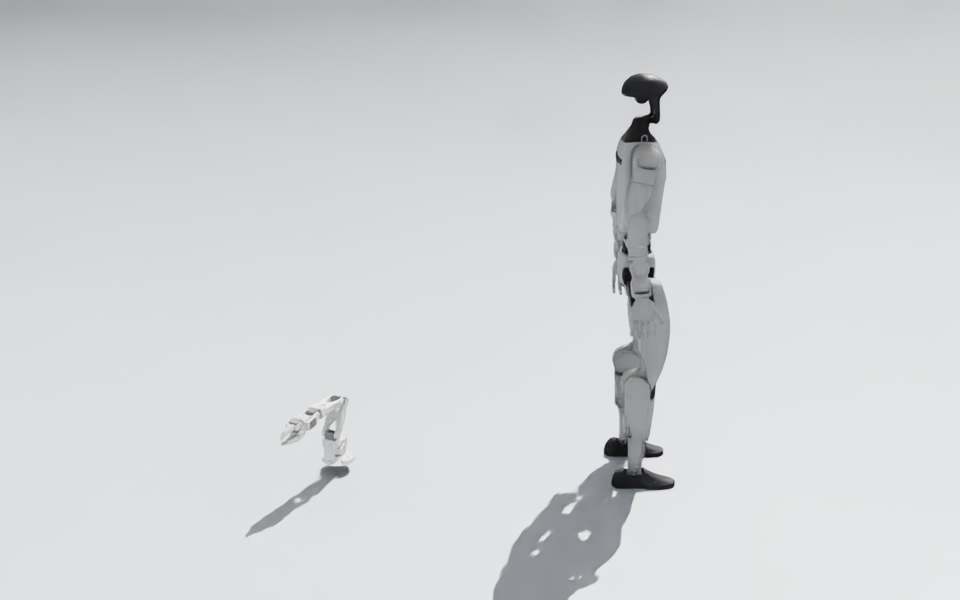
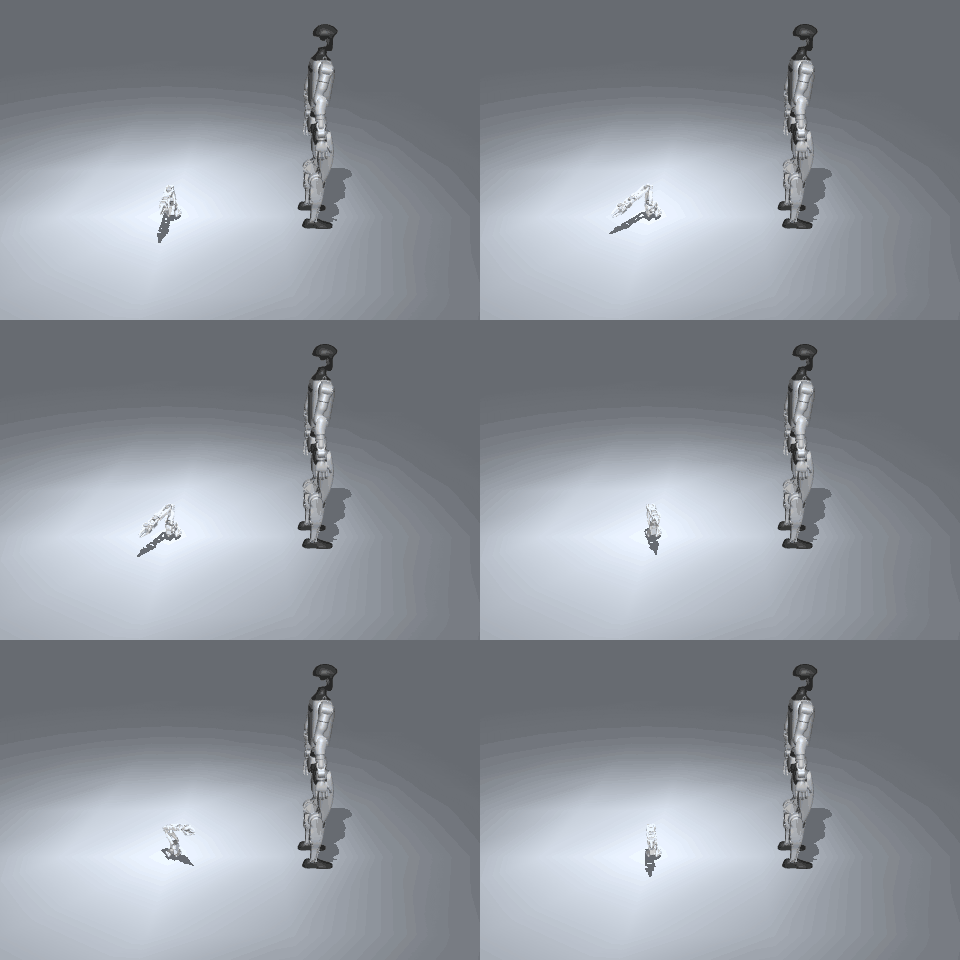
GPU simulation: Isaac Sim and Newton
Isaac Sim for photorealistic worlds and Newton for batched worlds on a CUDA GPU, with the same Simulation API.
On a CUDA GPU you can use Isaac Sim or Newton instead of MuJoCo. The Simulation API stays the same.


from strands_robots import Robot, Simulation

sim = Simulation("isaac")
arm = Robot("so101", sim=sim)
arm.run(my_policy, seconds=2)

batch = Simulation(physics="newton", num_envs=1024)  # 1,024 worlds on one GPU
| Backend | Extra | Use it for |
|---|---|---|
Simulation("isaac") |
isaac |
Photorealistic rendering |
Simulation(physics="newton") |
newton |
Many worlds at once, for training |
On a machine without CUDA, both raise an error that says so.
Isaac Sim
Isaac Sim asks you to accept NVIDIA's license.
Read it, then set OMNI_KIT_ACCEPT_EULA=YES. You can have one Isaac world per process. The first scene after a new
install can take minutes.
Newton
Newton compiles GPU kernels for each new scene shape, and caches them in ~/.cache/warp. The first run of a scene
can take a minute. Build the scene inside with sim.editing(): so it compiles once.
A scene file works on Isaac too: sim.add_object("room", path="room.xml", free=False) converts the MJCF or URDF
with Isaac's own importer (cached by content, like a robot) and places it as one body. free=True first wraps the
file in a free body, as the MuJoCo backend attaches it, and the rigid body the importer makes of it is the one that
moves. Isaac's importer keeps geometry, colliders and materials; a file's lights and skybox do not come through.
Still refused by name on Isaac: camera(attach=), friction and mass randomization, set_gains, and a bare mesh
file as path=, which goes inside an MJCF.